Last month I tried signing up for a free stock photo website.
No payment required. Just a free account to download a few images for a blog post. Simple enough — until the signup form asked for my phone number before letting me proceed.
I stared at it for a second. A phone number. For a free photo download.
I know exactly what happens next when you hand over your number to a random website. The “verification” takes 30 seconds. The promotional SMS messages take months to stop — if they ever do. I’ve had unknown numbers call me at 8am because I gave my phone number to a website three years ago and forgot about it.
So instead of typing in my real number, I spent two minutes finding a temporary one. Got the OTP, verified the account, downloaded my images. That website has never been able to reach me since.
If you’ve never used a temporary phone number for OTP verification before, this guide will walk you through the entire process — exactly how it works, which services are reliable in 2026, step-by-step instructions, and the mistakes worth avoiding.
What Is a Temporary Phone Number for OTP?
Think of it like a disposable email address — but for SMS.
A temporary phone number is a real, working phone number backed by an actual SIM card somewhere in the world. You rent it for a few minutes, long enough to receive one verification text message. Once you’ve used it, you let it go. It was never connected to your real identity.
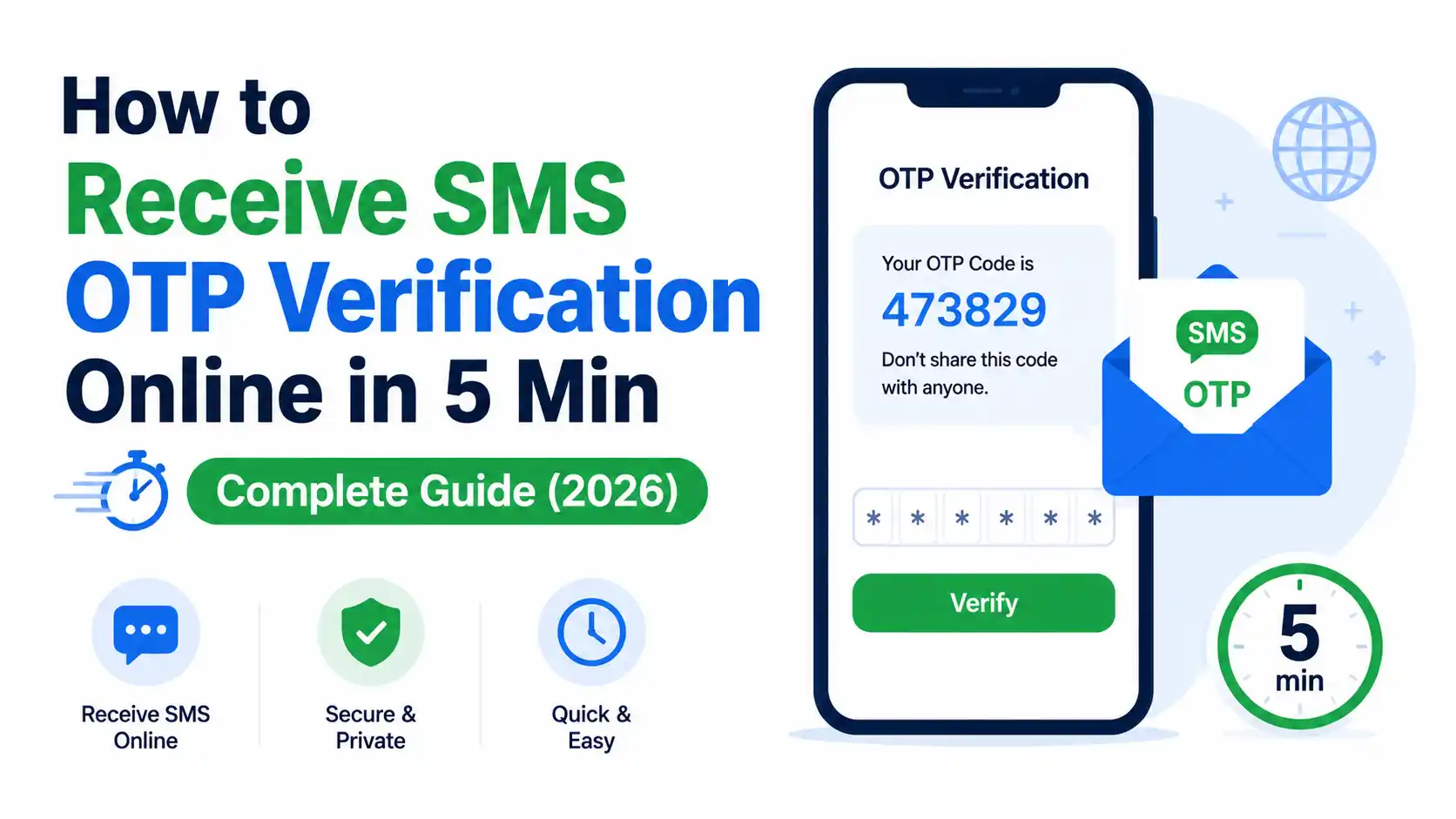
The service receives the incoming SMS on your behalf and displays the code in your browser. You copy the code, paste it into the verification form, and you’re done.
The whole process takes about 3–5 minutes from start to finish. Sometimes less.
Related Articles:
- What Is a Disposable Temporary Email? (And When You Actually Need One)
- I Stopped Giving Real Websites My Real Email. Here’s What I Use Instead.
- Why I Never Travel Without a Burner Email Address (Digital Nomads, Take Note)
- What Is a Disposable Email Address and Why Everyone Should Use One
- My Inbox Hit 11,000 Unread Emails — Here’s the Exact Process I Used to Fix It
When Does This Actually Make Sense?
Temporary numbers are genuinely useful in a specific set of situations. It’s worth being clear about this upfront.
Use a temporary number for:
- Free trial signups where you just want to test a tool
- One-time registrations on platforms you’ll use briefly
- Downloading gated content that requires phone verification
- Testing your own app’s SMS verification flow (developers love this)
- Any signup where you don’t want to be reachable afterward
Don’t use a temporary number for:
- Your bank, wallet, or any financial account
- Government or official identity-linked services
- Any account you’ll want to recover later via SMS
The reason for that last point is important: temporary numbers expire and get reassigned to other users. If you ever lose access to an account and need to receive a recovery code, that number won’t exist for you anymore. For anything that matters long-term, always use your real number.
Step-by-Step: How to Receive OTP Using a Temporary Number
Step 1: Choose Your Service
In 2026, several platforms offer temporary numbers for SMS verification. Here are the ones I’ve actually used and found reliable:
SMS-Activate (sms-activate.org) The most popular option globally. Supports 700+ services (WhatsApp, Google, Instagram, Telegram, Discord, etc.) across 170+ countries. Pay-per-use model — you only pay for what you actually use. Numbers typically cost ₹8–₹50 depending on country and service.
5SIM (5sim.net) Clean, fast interface. Good pricing. Slightly smaller service coverage than SMS-Activate but works well for the major platforms.
Receive-SMS-Online (receive-smsonline.net) Completely free — but these are shared public numbers. Anyone can see the messages. Only use this for genuinely throwaway signups where privacy doesn’t matter at all.
For most people, SMS-Activate is the best starting point. It has the widest coverage and the refund system is fair — if you don’t receive an OTP, you get your credits back automatically.
Step 2: Create an Account and Add Balance
On SMS-Activate:
- Go to sms-activate.org
- Click “Register” in the top right
- Sign up with your email — you can use a disposable email address here if you prefer
- Once logged in, click “Top Up Balance”
- Choose your payment method — UPI, card, crypto, and several e-wallets are accepted
- Add a small amount to start (minimum is usually around ₹80–₹100)
Your balance doesn’t expire. Whatever you add stays there until you use it.
Step 3: Find Your Service and Select a Number
- On the main dashboard, look at the left sidebar — there’s a search box
- Type the name of the service you’re verifying (e.g. “Google”, “Instagram”, “Discord”)
- It will show you available countries and the price per number for each
- Choose your country — India, UK, and US numbers tend to work well for most international services
- Click the cart/buy icon next to the number you want
Your temporary number will appear on the screen immediately. It’s now active and waiting for an incoming SMS.
Important: Once activated, the number is valid for 20 minutes. Start the verification process right away.
Step 4: Enter the Number on the Signup Form
- Copy your temporary number from the SMS-Activate dashboard
- Switch to the website or app you’re signing up for
- Paste the temporary number into the phone number field
- Request the OTP / verification code
Most services send the code within 10–30 seconds.
Step 5: Receive the OTP and Complete Verification
- Switch back to your SMS-Activate tab
- Watch the dashboard — the incoming SMS will appear automatically, usually within 30 seconds
- The OTP code will be displayed clearly next to your number
- Copy the code
- Paste it into the verification field on the signup form
- Complete your registration
That’s it. The number has done its job. You’re registered, verified, and your real phone number was never involved.
Using Free Temporary Numbers (No Payment Required)
If you don’t want to pay anything, free options exist. Sites like receive-smsonline.net, freephonenum.com, and smsreceivefree.com give you access to shared public phone numbers at no cost.
Here’s the honest breakdown of free vs paid:
| Free (Shared Numbers) | Paid (SMS-Activate etc.) | |
|---|---|---|
| Cost | ₹0 | ₹8–₹50 per number |
| Privacy | ❌ Anyone can see your SMS | ✅ Only you see the code |
| Reliability | ❌ Numbers often already registered | ✅ Fresh numbers, higher success rate |
| Refund if no OTP | ❌ No | ✅ Yes, automatic |
| Best for | Truly throwaway testing | Any real signup |
Free numbers are fine if you’re testing something where it genuinely doesn’t matter — like checking if a signup form sends confirmation emails correctly. For anything you’d actually use, the paid route is worth the few rupees.
What If the OTP Never Arrives?
This happens occasionally. Here’s why and what to do:
The number was already registered on that platform. Some platforms track numbers previously used for signups and block them. Solution: go back to SMS-Activate and request a different number (usually from a different country).
Country mismatch flagged as suspicious. If you’re accessing a site from India and use a US number, some platforms get cautious. Try using an Indian number instead.
Platform blocks virtual/temporary numbers. Some major platforms — especially large social networks — have gotten better at detecting and blocking known temporary number ranges. If this happens, try a different country or a different number provider.
You waited too long. The 20-minute window expired. Buy a new number and move quickly through the steps next time.
On SMS-Activate, if you don’t receive any SMS within the validity window, your credits are automatically refunded. You won’t lose money on a failed attempt.
Mistakes I’ve Made Using Temporary Numbers
Using a free public number for an account I ended up actually using. I signed up for a tool with a shared free number thinking I’d only use it once. I used it for two months. When I needed to change my password and it asked to verify via SMS — that number was long gone and belonged to someone else by then. Locked out of my own account.
Picking a country randomly without thinking. I once chose a random European number for an Indian platform. The platform flagged the registration as suspicious and asked for additional verification. Should have just used an Indian number from the start.
Getting distracted mid-process. I activated a number, got sidetracked by something else, came back 25 minutes later. Number had expired. Had to buy another one. Keep the flow going once you start — it takes less than 5 minutes if you stay focused.
Assuming it works everywhere. WhatsApp in particular has become very good at detecting temporary numbers. It works sometimes, with certain country numbers. Don’t assume — test. And if it doesn’t work, a different country’s number often does.
The Setup I Use in 2026
After two years of refining this, here’s how I handle different types of signups:
Truly one-time signups (download a resource, access one article, test a tool for an hour) → Disposable email address + free public temp number
Real signups I’ll use but don’t want spam from → Disposable email alias (SimpleLogin) + paid temporary number from SMS-Activate
Accounts I actually care about → Real email + real phone number
It takes maybe three extra seconds to decide which category a signup falls into. That three-second habit has kept both my inbox and my phone number essentially spam-free.
Quick FAQ
Is using a temporary number legal? Yes — for legitimate privacy protection, testing, and avoiding spam. These are real SIM-backed numbers rented from legitimate providers. Using them for fraud or to violate platform terms in harmful ways is a different matter entirely.
Can I receive WhatsApp OTP on a temporary number? Sometimes. WhatsApp blocks many known virtual number ranges. Numbers from certain countries work better than others. It’s worth trying, but results aren’t guaranteed.
How much does it cost? On SMS-Activate, most numbers cost between ₹8–₹50 per use depending on the country and service. India, Russia, and some Eastern European numbers tend to be cheaper. US and UK numbers cost a bit more.
What if I don’t receive the code? Wait the full validity window. If nothing arrives, your credits are refunded automatically on paid services. Try a different country’s number on the next attempt.
The stock photo website I mentioned at the beginning? I’ve downloaded from it three more times since that first visit — each time with a fresh temporary number. It’s a perfectly good service. I just have no interest in being on their marketing list.
Your phone number is worth protecting. It takes two extra minutes to do it right.