I signed up for a “free” PDF download three years ago. One click, entered my email, got the file. Done, right?
Wrong. What followed was two years of relentless marketing emails I never asked for, a password reset notice from a site I didn’t even remember joining, and one genuinely sketchy “Your account has been compromised” email that turned out to be a phishing attempt using my real name.
That PDF cost me more than I bargained for.
I wish someone had told me then what I know now: you don’t have to hand over your real email address every time a website asks for one. There’s a smarter way — and it takes about ten seconds to set up.
So, what actually is a disposable email address?
Think of it like a paper cup. You use it once, toss it, and your real glass stays clean.
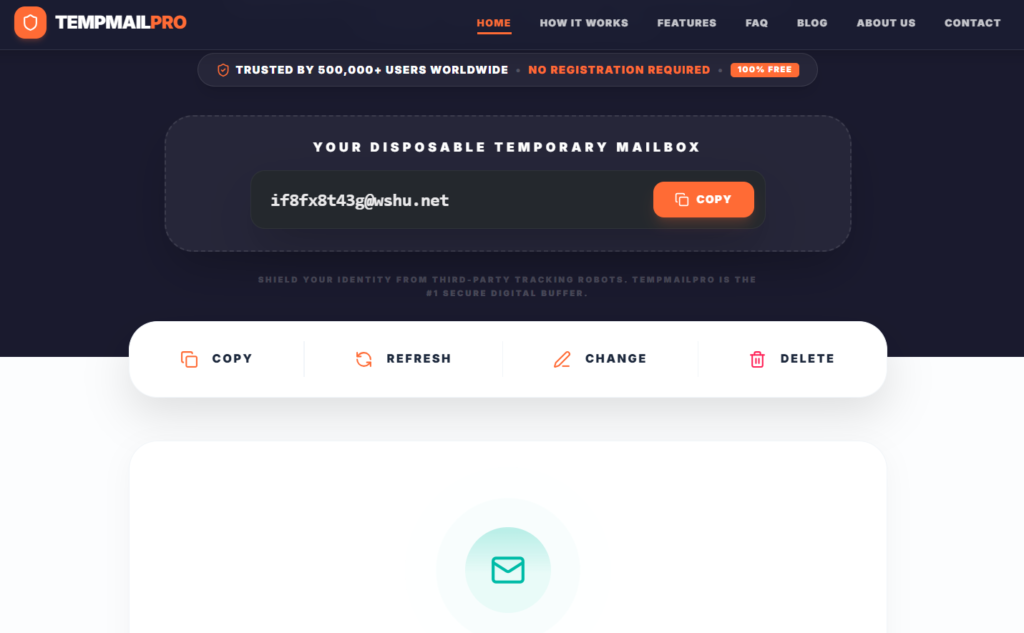
A disposable email address (also called a temp mail or throwaway email) is a temporary inbox that you create on the spot, use for a single signup or verification, and then either delete or let it expire on its own. It receives messages just like a real email, but it has zero connection to your actual identity or primary inbox.
No signup. No password. No personal information required. You visit a temp mail site, a random address is generated instantly, and you can use it right away.
The inbox is real enough to receive emails. It’s just not yours in any permanent sense — and that’s exactly the point.
Why would a normal person need this?
I used to think disposable emails were for people doing shady things. I was wrong about that.
Here are the situations where I now use one without a second thought:
Downloading free stuff
Ebooks, templates, tools, stock photos — half the internet runs on “give us your email and we’ll give you the thing.” The thing is free. Your email is the product. A temp address gets you the download without the baggage.
Testing apps or websites
I’m a bit of a tool nerd. I try a lot of software. Using my real email to create a trial account for every app I evaluate would mean my inbox would be a disaster. Now I use a disposable address for anything I’m not sure I’ll actually stick with.
Online forums and communities
Some forums are great. Some forums are… not monitored for spam. Signing up with a temp email means that if the forum gets breached or sold, your real address isn’t in that database.
Avoiding targeted ads
The moment you sign up for something with your Gmail, Google starts connecting dots. Same with Meta, same with most ad networks. A throwaway address breaks that connection completely.
Shopping on unfamiliar sites
Found a great deal on a site you’ve never heard of? Temp email. If the order goes fine, great. If they start emailing you daily about deals you never wanted, you haven’t lost anything.
How to use a disposable email address: step by step
This is genuinely simple. Here’s exactly what I do:
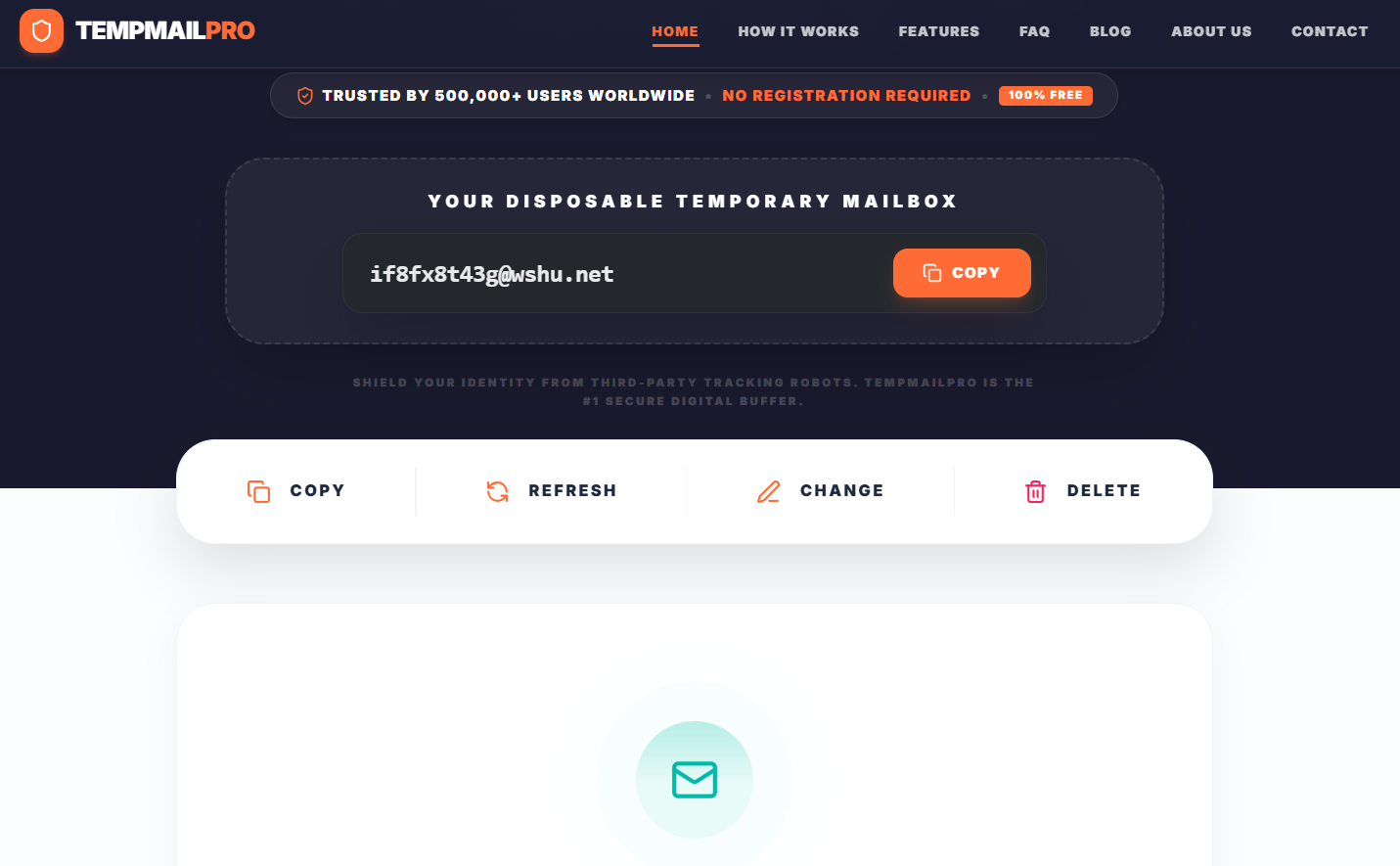
- Open a temp mail service in a new browser tab. I use TempMailPro — it generates an address instantly with no signup at all.
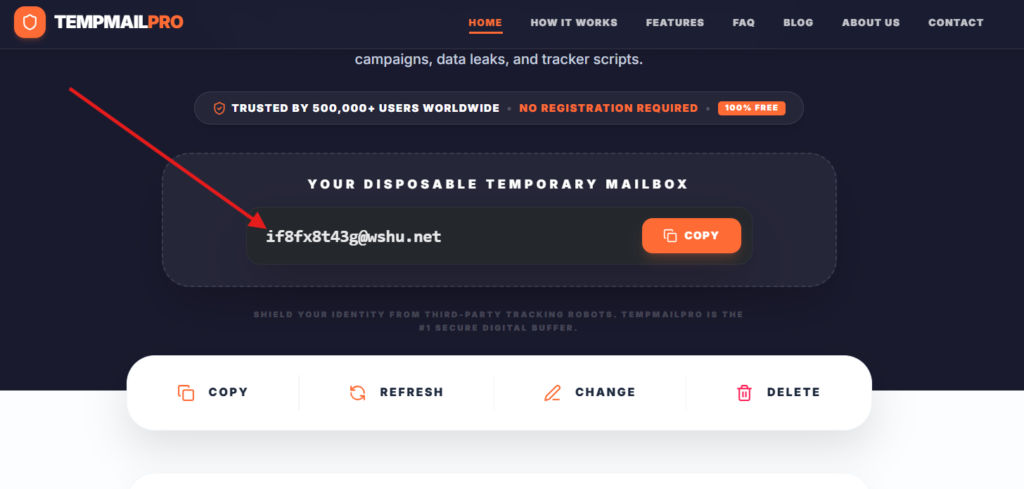
2. Copy the email address shown on the screen.
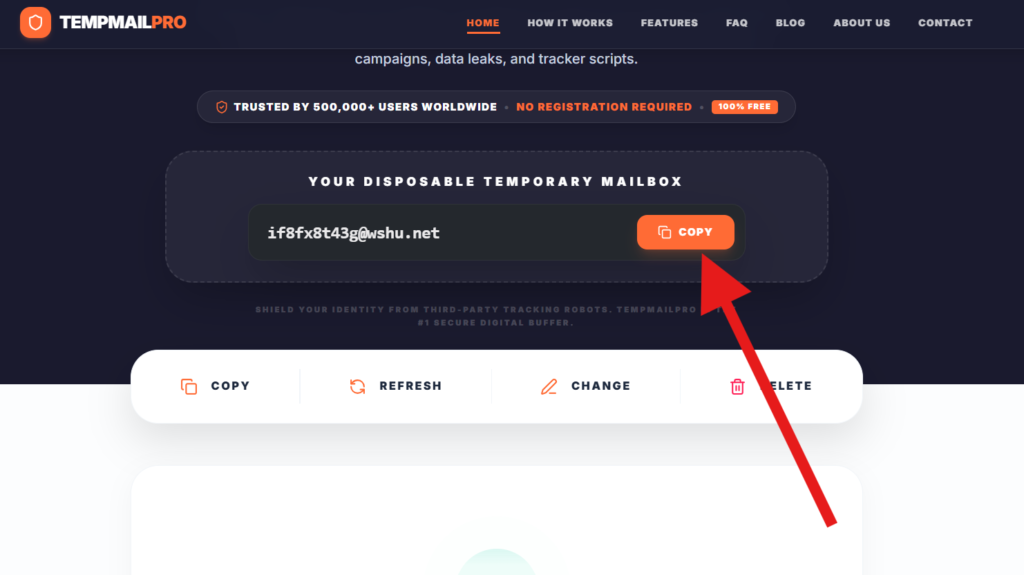
3. Go to whatever site is asking for your email. Paste the temp address into their signup or download form.
4. Submit the form. Then go back to your temp mail tab.
5. Wait a few seconds. The verification email (if there is one) will appear in the inbox. Click the confirmation link.
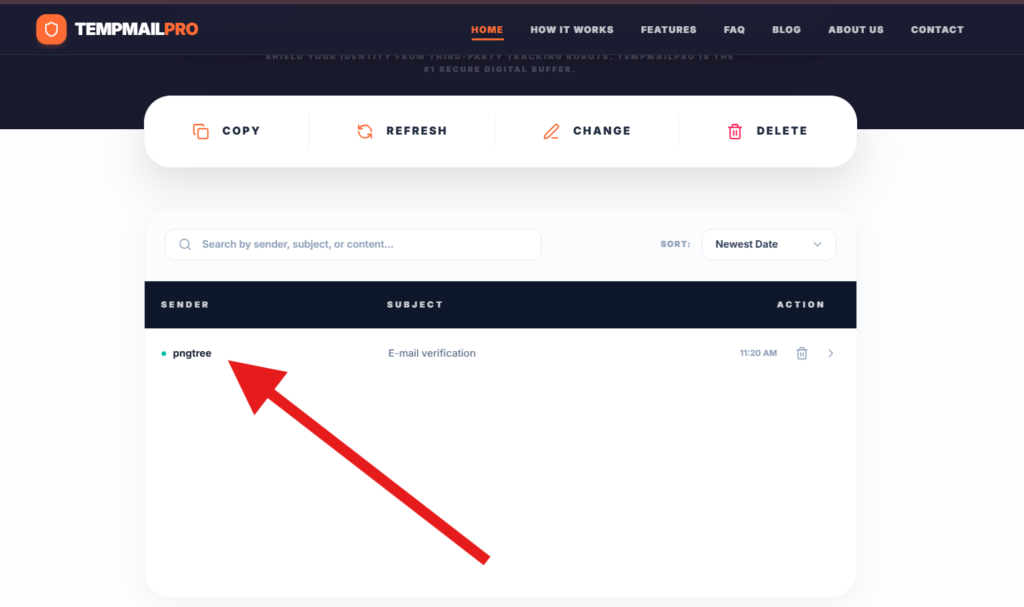
6. You’re in. The temp address has done its job.
That’s really all there is to it. No apps to download, no accounts to manage. The inbox exists for as long as you need it, then it’s gone.
One thing I always do: keep the temp mail tab open until I’ve finished what I needed it for. Once you close it and the session expires, you can’t access that inbox again.
What I got wrong the first time (mistakes to avoid)
Using it for accounts I actually care about
Early on I used a disposable email to sign up for a service I ended up really liking. Six months later, when I tried to reset my password or change account settings, I couldn’t — because the email address no longer existed. Lesson: temp mail is for throwaway accounts. Anything you might need to recover later, use a real address.
Assuming it was completely anonymous
A disposable email hides your identity from the site you’re signing up to. But if you’re also logged into your Google account, using your home Wi-Fi, and browsing without a VPN, there are other ways you’re still traceable. Temp mail is one layer of privacy, not a complete invisibility cloak.
Not checking the inbox fast enough
Some disposable inboxes expire quickly — sometimes in ten minutes. I once missed a confirmation email because I got distracted and came back too late. The solution is simple: once you submit the form, switch straight back to the temp mail tab and wait for the message to arrive.
Using it on sites that block temp mail
Some platforms actively detect and reject disposable email domains. Banks, government portals, and a few major social networks fall into this category. That’s fine — those are exactly the kinds of accounts where you should be using your real email anyway. Use your judgment.
What about email aliases? Are they the same thing?
Not quite, and it’s worth knowing the difference.
A disposable email is fully anonymous and temporary. An email alias (like what you get with SimpleLogin, addy.io, or Apple’s Hide My Email) is more like a permanent forwarding address. It forwards messages to your real inbox, but the sender never sees your actual address.
Aliases are great for ongoing subscriptions you actually want but don’t want to receive on your primary email. Temp mail is better for one-time verifications or signups where you want zero ongoing contact.
I use both, depending on the situation.
The email spam problem is actually worse than most people realize
Here’s something that surprised me when I looked into it: according to various security researchers, email addresses are among the most commonly traded pieces of personal data on the web. List brokers sell them, apps share them, and every breach exposes more of them.
Once your email is out there, it’s very hard to contain. You can unsubscribe from individual lists, but you can’t un-share your address from all the places it’s already been sent.
Disposable email doesn’t solve this problem retroactively. But it does mean that from this point forward, you can control which signups ever have your real address in the first place.
I think of it as compartmentalizing. My real email is for people and services I actually trust. Everything else gets a throwaway.
Which temp mail service should you use?
There are quite a few options out there. Some are barebones (just an address and an inbox). Some offer features like custom domains, inbox persistence, or multiple addresses.
When choosing one, I look for:
- No signup required — if they want your real email to give you a temp email, that’s counterproductive
- Clean, fast interface — you’ll use this quickly and need it to just work
- Reliable delivery — the inbox should actually receive emails, including those from major platforms
- Privacy-respecting — ideally no ads that track you, no data selling
TempMailPro checks all of those boxes and is what I reach for most often. It generates an address instantly, the inbox loads fast, and I’ve never had an issue with it missing verification emails from the common platforms I use.
Related Articles:
- What Is a Disposable Temporary Email? (And When You Actually Need One)
- I Stopped Giving Real Websites My Real Email. Here’s What I Use Instead.
- Why I Never Travel Without a Burner Email Address (Digital Nomads, Take Note)
One small habit that changed how I think about my inbox
I’ve been using temp mail regularly for about two years now, and the difference in my real inbox is noticeable. Less clutter. Fewer newsletters I don’t remember signing up for. Fewer password breach notifications from sites I barely used once.
It didn’t require any big changes to how I use the internet. I just added one step: before I hand over my email address anywhere, I ask myself whether I actually want this organization to have my real contact details. If the answer is anything less than yes, I use a temp address.
It’s a small habit. But it’s one I’d recommend to pretty much anyone who uses the internet regularly — which, at this point, is everyone.
Your real inbox is worth protecting. You don’t have to give it to everyone who asks.
Quick reference: when to use (and not use) a disposable email
Use a disposable email for:
- One-time downloads (ebooks, templates, free tools)
- App or software trials you might not continue
- Forum or community signups on unfamiliar sites
- Online shopping on stores you haven’t used before
- Any signup where you don’t plan to return
Do not use a disposable email for:
- Banking or financial accounts
- Government or official portals
- Services you’ll need to recover or manage long-term
- Anything tied to real-money transactions you’ll want to dispute
- Primary social media accounts
1 thought on “What Is a Disposable Email Address and Why Everyone Should Use One”